Neptune Play App: Casino and Sports Betting on Your Phone

The Neptune Play app experience lives in your phone's browser. On iPhone and Android, the full site gives you the casino, the live casino, the sportsbook, the cashier and 24/7 live chat with no download and no updates to install. Add it to your home screen and it opens like any other app, straight to your account.

This guide explains how to set up the Neptune Play app icon on iPhone and Android, what you can do on mobile, why you should never install an APK from an unofficial source, and how to keep your mobile play safe.

The Neptune Play app provides casino games and sports betting features on compatible mobile devices.

Is there a Neptune Play app to download?

We built Neptune Play mobile-first, so there is no separate app to download from an app store. Instead, the mobile site does everything an app would do: it adapts to your screen, keeps the bet slip at the bottom of the page, loads slots and live dealer streams quickly and gives you the full cashier. Because it runs in your browser, you always have the latest version, and it does not take up storage on your phone.

Many players simply add the site to their home screen. The icon looks and works like a Neptune Play app: one tap opens the site, ready for you to sign in.

Set up the Neptune Play app on iPhone

  1. Open Safari on your iPhone and go to the Neptune Play website.
  2. Tap the Share button at the bottom of the screen.
  3. Scroll down and choose Add to Home Screen.
  4. Name the shortcut and tap Add.
  5. Open the new icon and sign in with your usual details.

The icon now sits with your other apps. Your browser can remember your username if you want it to, but only save your password on a phone you do not share.
The iPhone setup process helps users install the Neptune Play app for mobile access.

Set up the Neptune Play app on Android

  1. Open Chrome on your Android phone and go to the Neptune Play website.
  2. Tap the three-dot menu in the top right corner.
  3. Choose Add to Home screen.
  4. Confirm the name and tap Add.
  5. Open the icon and sign in.

Samsung Internet, Firefox and other modern browsers offer the same option in their menus. Once it is set up, the Neptune Play app icon works exactly like a downloaded app.

Android users can set up Neptune Play and access casino and betting features from their phones.

Neptune Play APK: why you should not install one

You may see a Neptune Play APK or a Neptune Play casino APK offered on other websites. We do not publish an APK file, and you should not install one from any source. APK files from unofficial sites can contain malware, may try to collect your login or payment details, and are not connected to your Neptune Play account in any way. Installing a Neptune Play casino APK from a third party puts your phone and your money at risk.

The safe way to play on Android is the mobile site in your browser, with a home screen shortcut if you want one-tap access. If anyone sends you a Neptune Play APK by message or email, delete it and let our live chat team know.

What you can do on mobile

  • Play thousands of slots and jackpots from Pragmatic Play, NetEnt, Play’n GO and other studios.
  • Join live dealer tables from Evolution, including roulette, blackjack and game shows.
  • Bet on more than 40 sports before the start or in-play, with Bet Builder and Early Payout.
  • Follow live betting with prices that update in real time.
  • Deposit and withdraw with debit cards, Apple Pay, Google Pay, PayPal, Skrill, Neteller and more.
  • Claim your welcome offer and check active bonuses and free bets.
  • Set deposit limits, reality checks, time-outs and self-exclusion.
  • Chat with our support team 24/7.

Mobile casino

The mobile casino lobby has the same games as desktop. Filters for New, Popular, Jackpots and studio sit at the top of the screen, and search finds any title in a few letters. Most slots play in portrait or landscape, depending on the game, and live dealer streams adjust to your connection, so a game keeps running on 4G as well as on Wi-Fi. The Neptune Play casino on mobile uses the same balance and favourites as on desktop.

Mobile casino gameplay gives users convenient access to selected games while on the go.

Mobile betting

Mobile betting is where our mobile-first design shows most. The bet slip sits at the bottom of the screen and expands with a tap, Bet Builder works on a small screen, and the live betting page keeps prices moving as the action unfolds. Selected events are streamed so you can watch and bet in one place. Every bet you place on mobile appears instantly in your account history on desktop, and the other way round.

Sports betting on mobile allows users to browse markets and place wagers from their phones.

Signing in on mobile

Your Neptune Play login is the same on mobile and desktop. Tap Log In, enter your email or username and password, and you are in. If you forget your password, the reset link on the sign-in screen works the same way on every device. If you are locked out, live chat can help, and you can open it from the sign-in page without being logged in. Our Neptune Play login guide covers verification and common sign-in problems in more detail.

Mobile sign-in provides quick access to an existing casino and sportsbook account.

Welcome offers on mobile

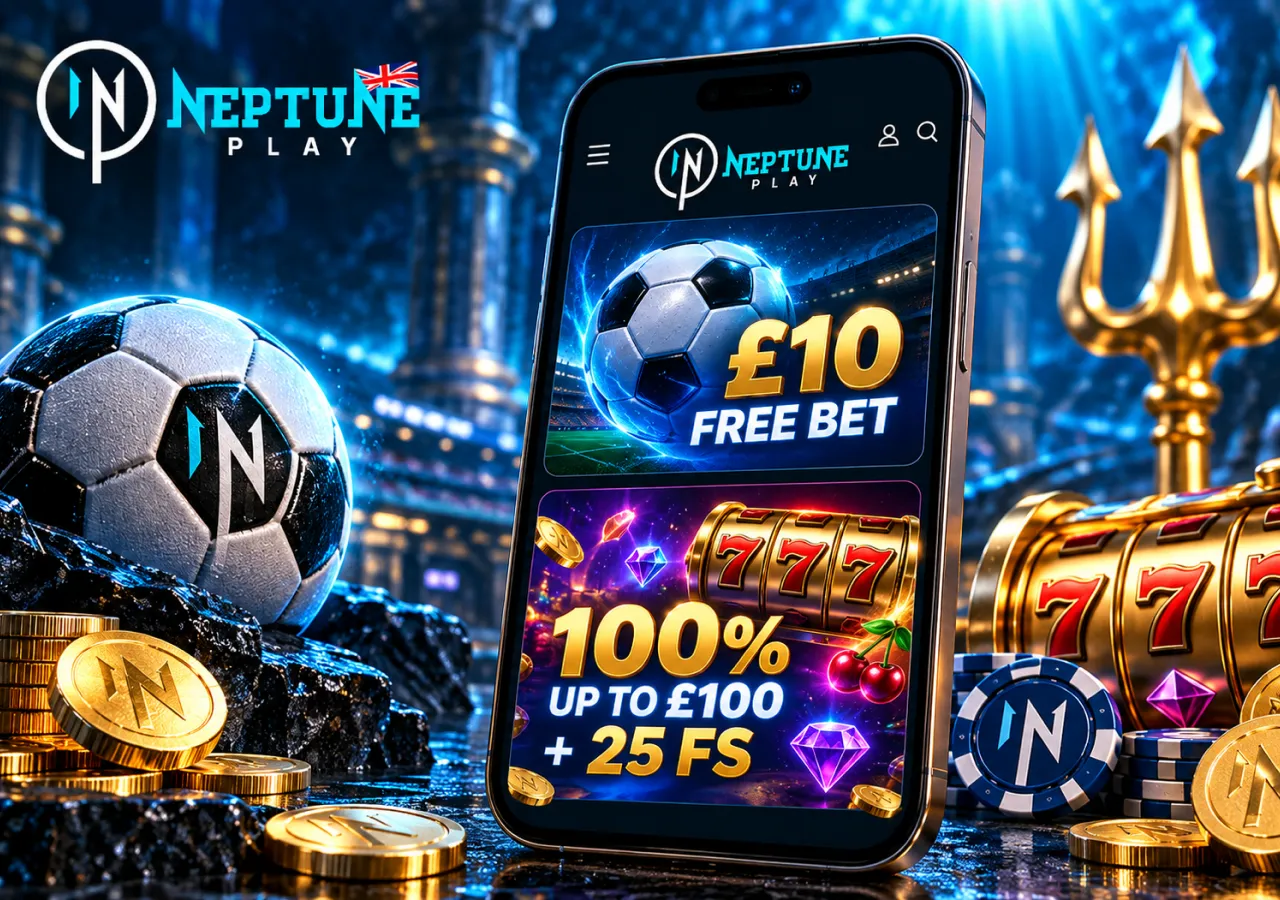
Both welcome offers work on mobile exactly as on desktop. Choose sport (bet £10 at odds of 1/1 or bigger, get a £10 free bet) or casino (a 100% deposit match up to £100 plus 25 free spins) when you sign up on your phone. No code is needed. 18+, T&Cs apply.

Welcome offers give eligible mobile users access to promotional casino and betting rewards.

Tips for the best mobile experience

  • Keep your browser up to date for the best speed and security.
  • Use Wi-Fi for long live dealer sessions if your mobile data is limited.
  • Turn on screen lock and keep your phone’s software updated.
  • Add the Neptune Play app icon to your home screen so you always open the genuine site.

Safer gambling on your phone

Having the casino and the sportsbook on your phone makes it easy to play, so set limits before you start. Use deposit limits and reality checks in your account, take regular breaks and avoid playing when you are tired or upset. GamStop lets you self-exclude from every UK-licensed gambling site in one step. For free, confidential support 24/7, contact BeGambleAware.org or the National Gambling Helpline on 0808 8020 133. You must be 18 or over to play.

FAQ

  • Is there a Neptune Play app?
    The Neptune Play app experience runs in your mobile browser. Add the site to your home screen on iPhone or Android and it opens like an app.
  • Can I download a Neptune Play APK?
    No. We do not publish an APK. Do not install APK files from other websites; use the mobile site instead.
  • Does the mobile site have every feature?
    Yes. The casino, live casino, sportsbook, cashier, promotions and live chat are all available on mobile.
  • Can I bet in-play on mobile?
    Yes. Live betting, Bet Builder and Early Payout all work on mobile, and selected events are streamed.
  • Can I use the same account on mobile and desktop?
    Yes. One account and one login work on every device, and your balance is the same everywhere.
  • How do I add the Neptune Play casino to my home screen?
    On iPhone, use Share then Add to Home Screen in Safari. On Android, use the Chrome menu and choose Add to Home screen.